Create Your Account
Sign up for ROSC.ai and set up your healthcare professional profile
Quick Start
Creating your ROSC.ai account takes just a few minutes. Follow these steps to get started with the future of medical documentation.
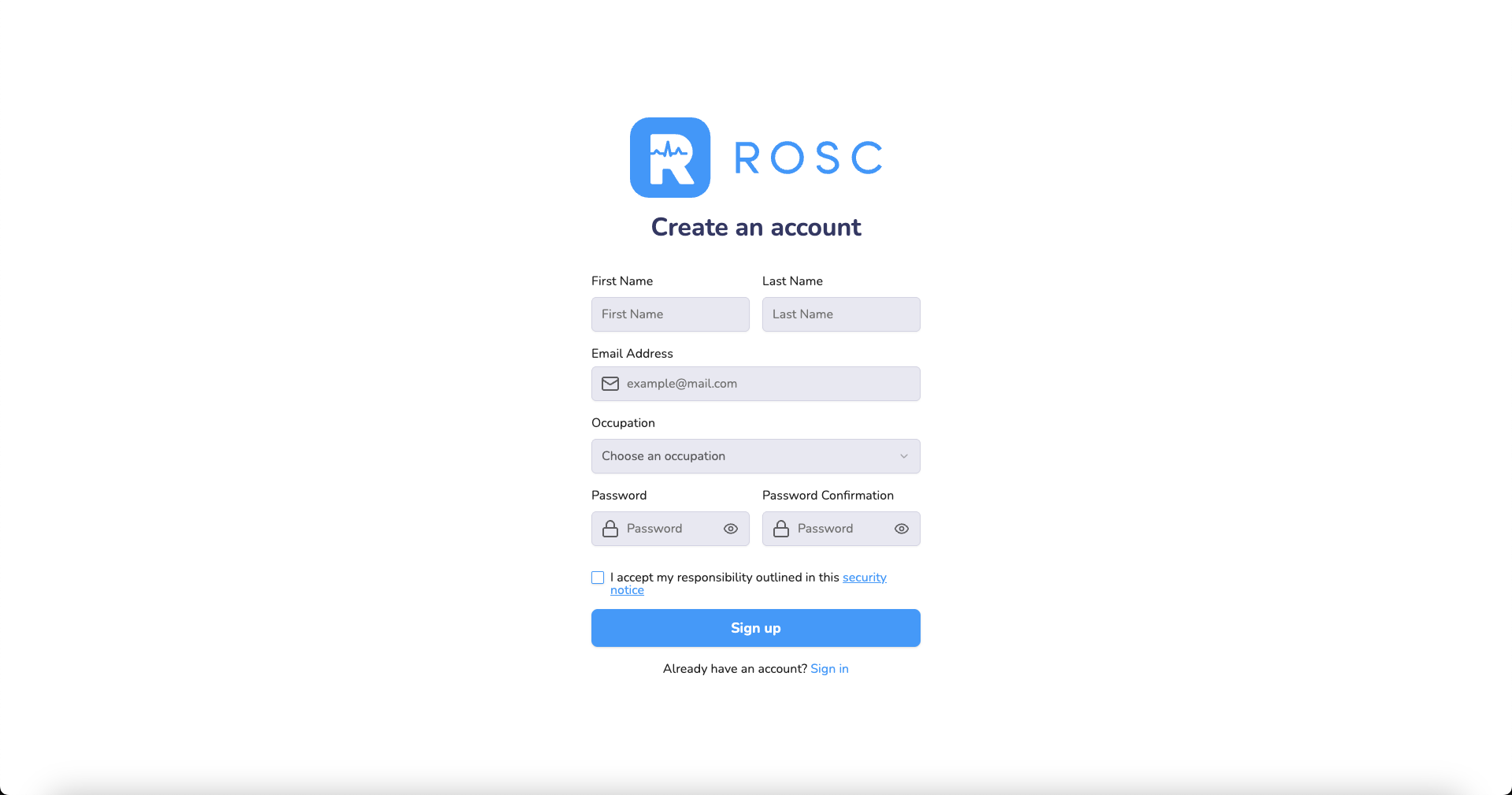
Step-by-Step Instructions
- 1
Visit app.rosc.ai/sign-up
Navigate to the sign-up page to begin your journey with ROSC.ai. You'll need a valid email address and basic professional information.
Go to Sign Up - 2
Enter your professional information
Provide the following information:
- Full name
- Professional email address
- Medical specialty or role
- Practice location
- Secure password
- 3
Verify your email address
Check your inbox for a verification email from ROSC.ai. Click the verification link to activate your account. If you don't see the email, check your spam folder.
- 4
Complete your profile setup
Once verified, log in and complete your profile by adding your professional credentials, preferences, and specialty templates.
Pro Tip
Use your professional email address for account creation. This ensures you receive important updates and makes it easier to integrate with your clinic's systems.
What's Next?
After creating your account, you're ready to record your first patient consultation. Head to the next tutorial to learn how to make your first recording.